Run your Lean Six Sigma programs
from training to benefits, on one platform
SIGMAX brings clients, programs, cohorts, DMAIC projects, benefits and belt certificates together on one multi-tenant platform. Consultants, clients and participants see the same data from their own portal, only as far as their role allows.
As the program grows, so does the scatter
SIGMAX takes training records, project files, approvals and benefit calculations out of separate spreadsheets and ties them to a single record; consultant, client and participant look at the same picture.
- Attendance, assignments and exam results are kept in one place; projects and tollgate decisions in another.
- Project files travel by email and folders; nobody can tell which phase is approved or who is waiting for what.
- The benefit figure stays the project leader's estimate; finance validation is never recorded.
- Certificates go to whoever attended; project and result conditions are not tracked and the document cannot be verified.
Six capabilities, one platform
SIGMAX capabilities follow the natural order of a program: manage the client and program, train, select ideas, run the project, analyze and validate the result.
Client and Program Management
Every client is a separate, isolated workspace: contract, program and team in one place.
Explore TrainAcademy and Cohorts
Standard programs, versioned curricula and cohorts — from attendance to exams.
Explore SelectImprovement Hub
Not every idea is a DMAIC: assess it, choose the right method, turn it into a project.
Explore RunProject Room and Tollgates
Every project in one room; every phase passes an approved gate.
Explore AnalyzeTool Set and Statistics
110 Lean Six Sigma tools; 35 of them calculate your data and draw the chart.
Explore ValidateBenefits, Certification and Insights
Benefits validated by finance, rule-based certification, one screen for management.
ExploreA tour of the screens
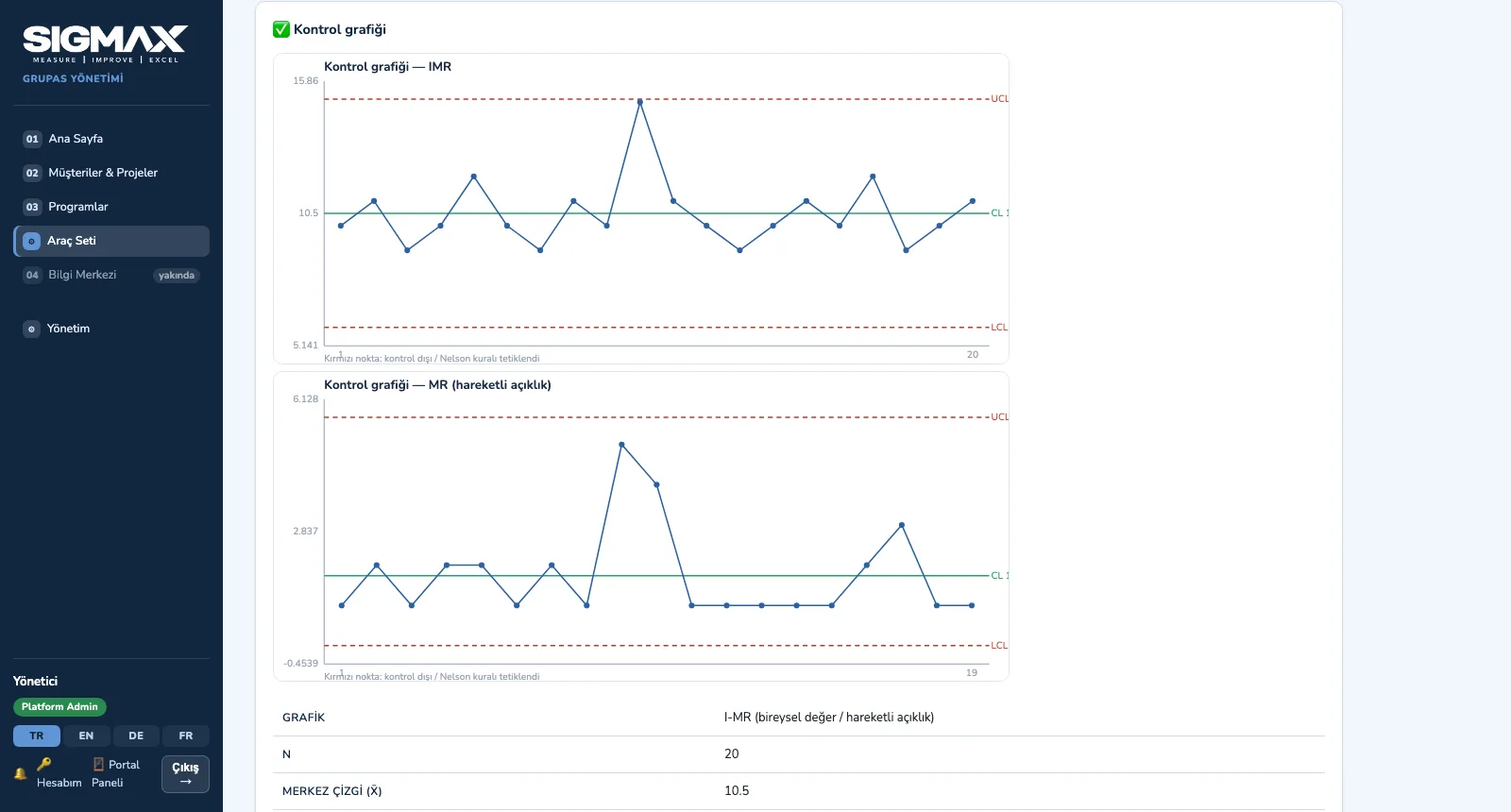
Pick a capability and click the steps; click an image to enlarge it.
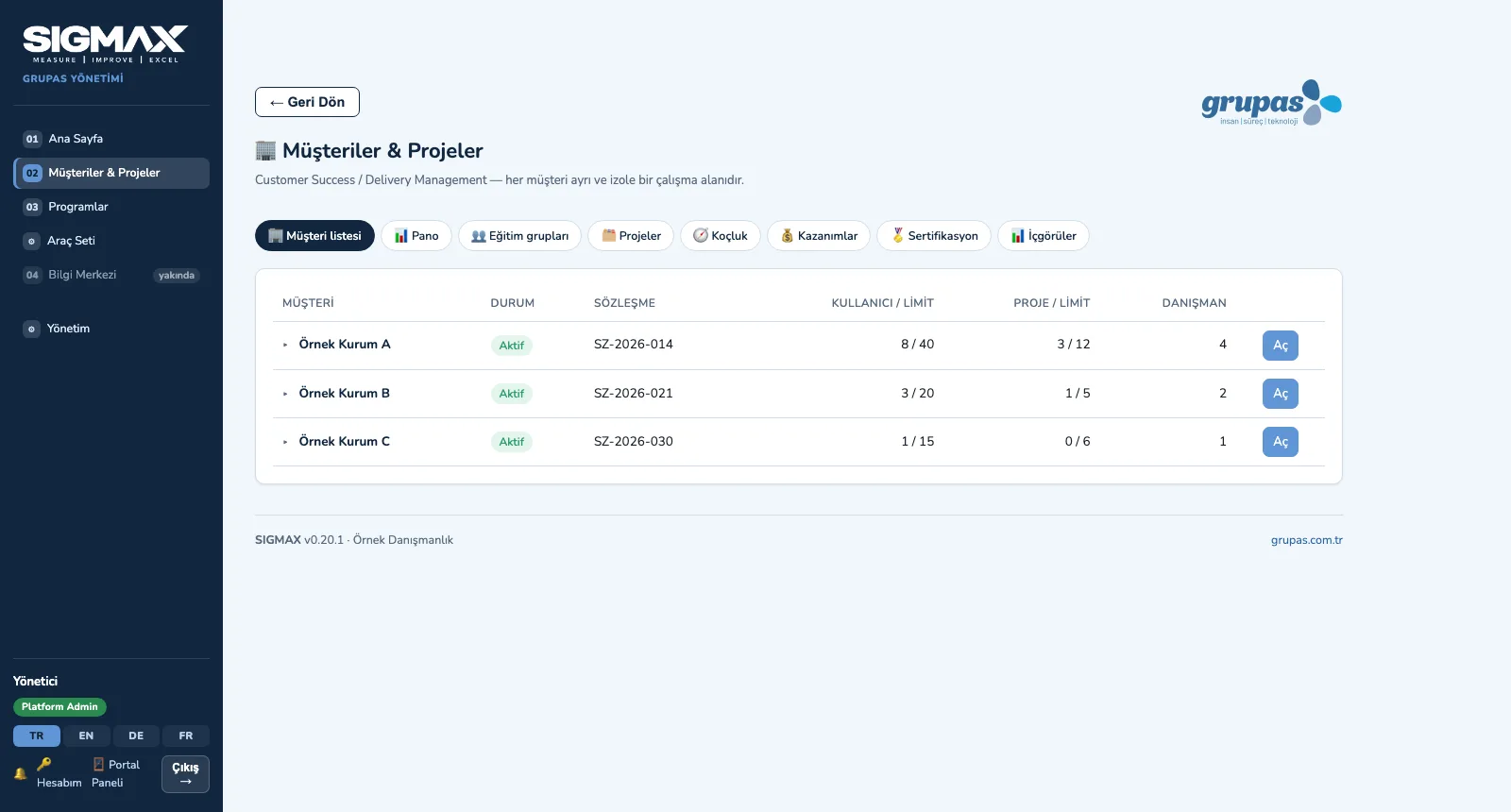
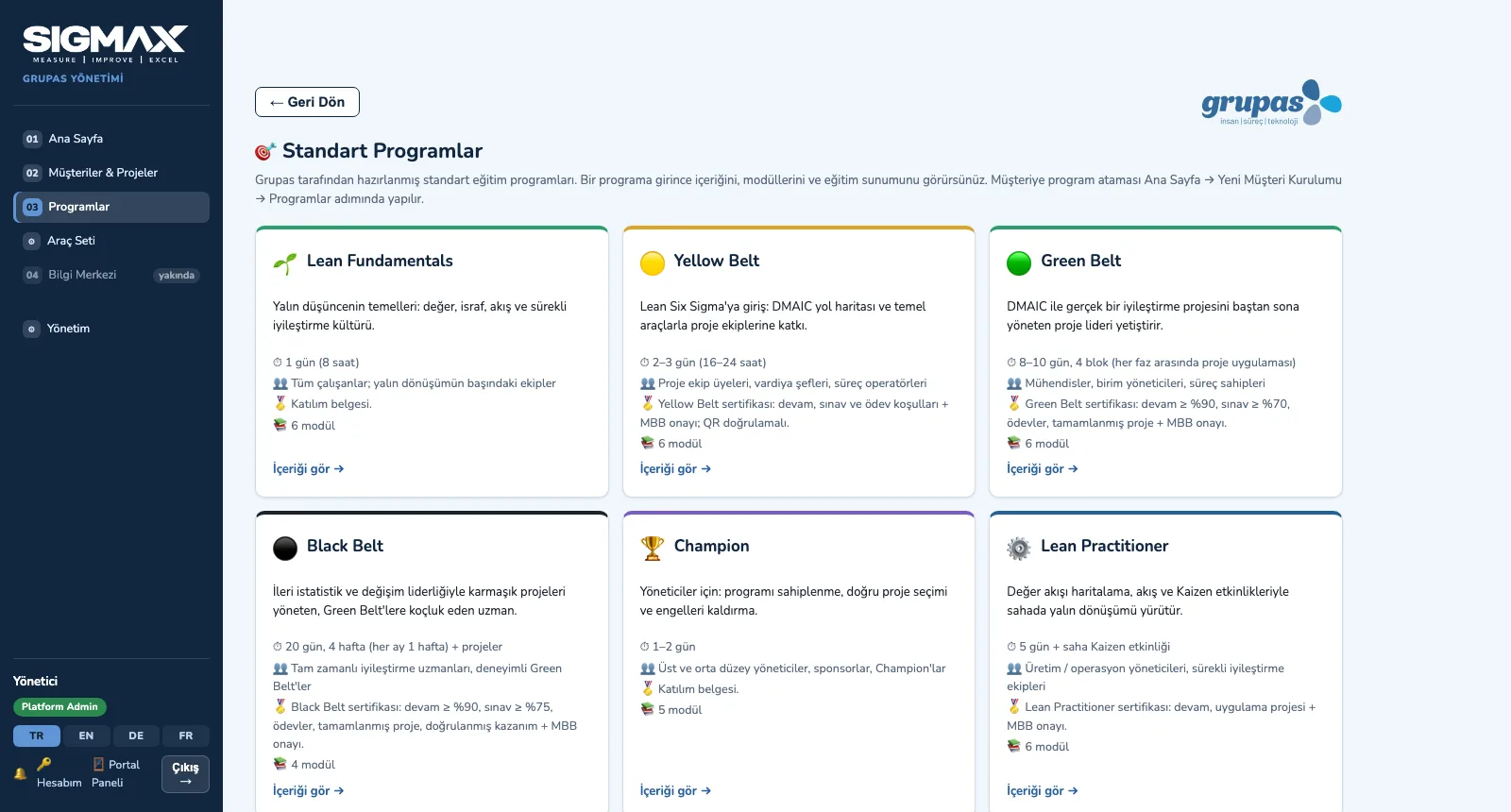
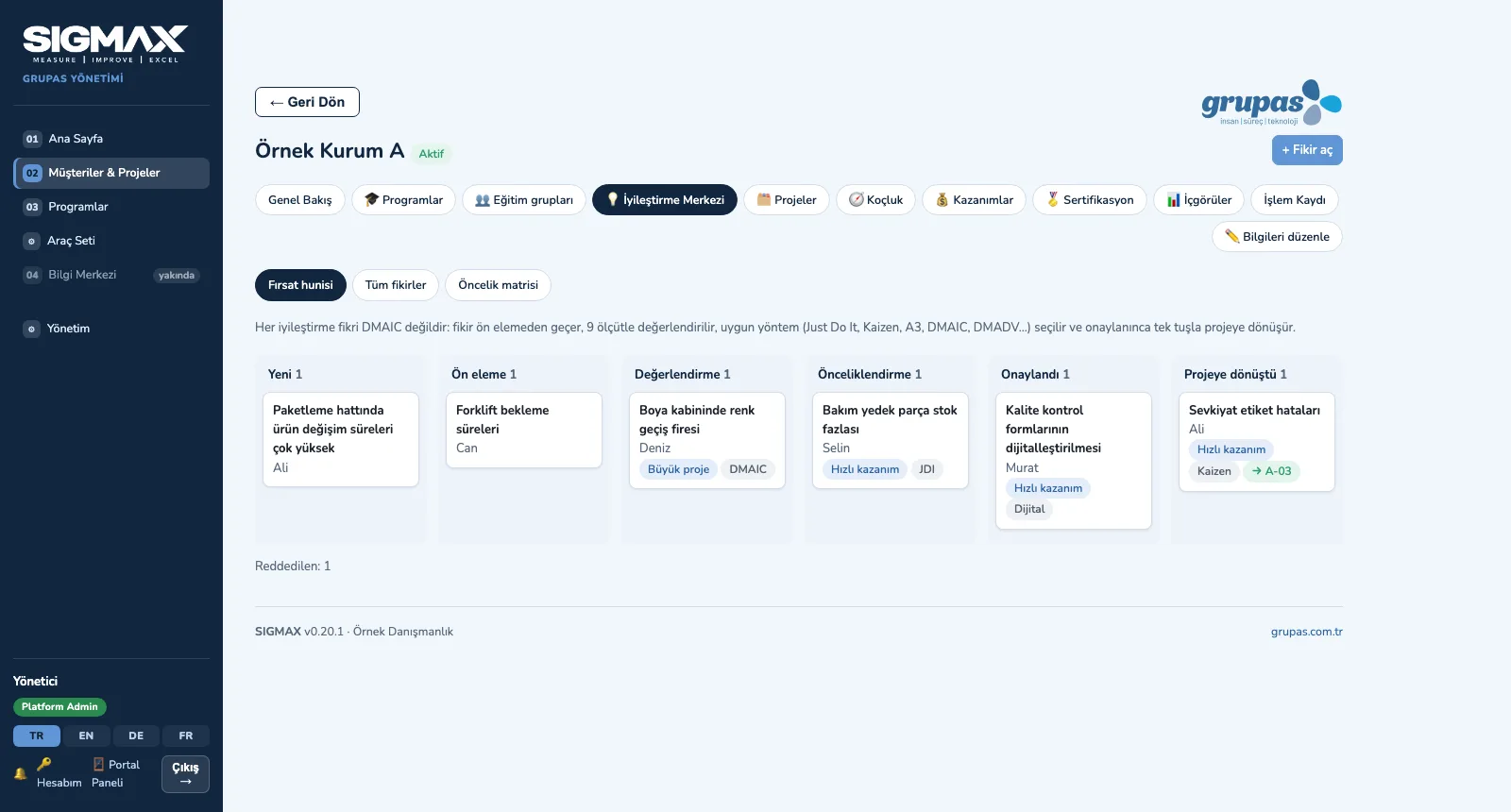
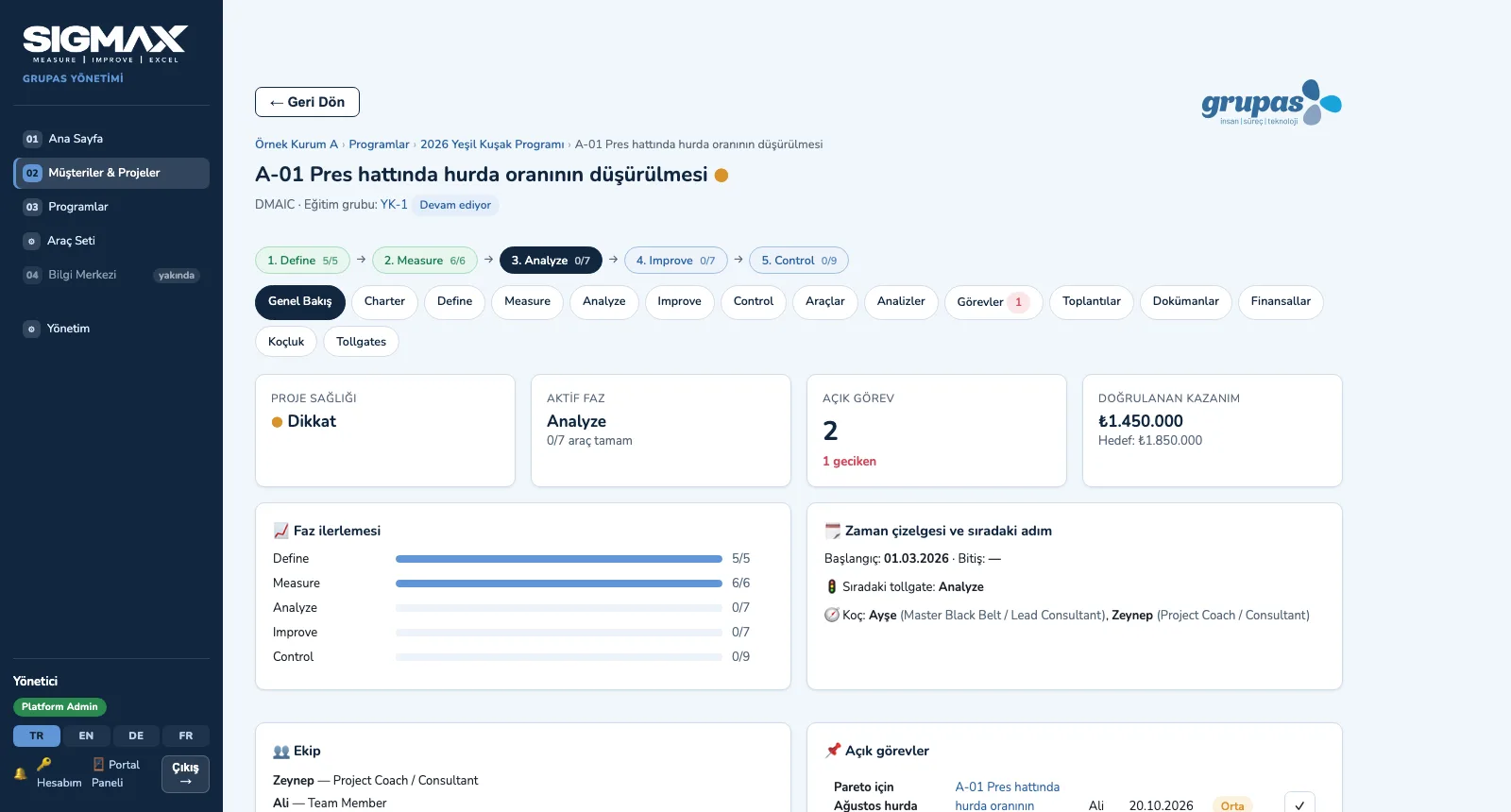
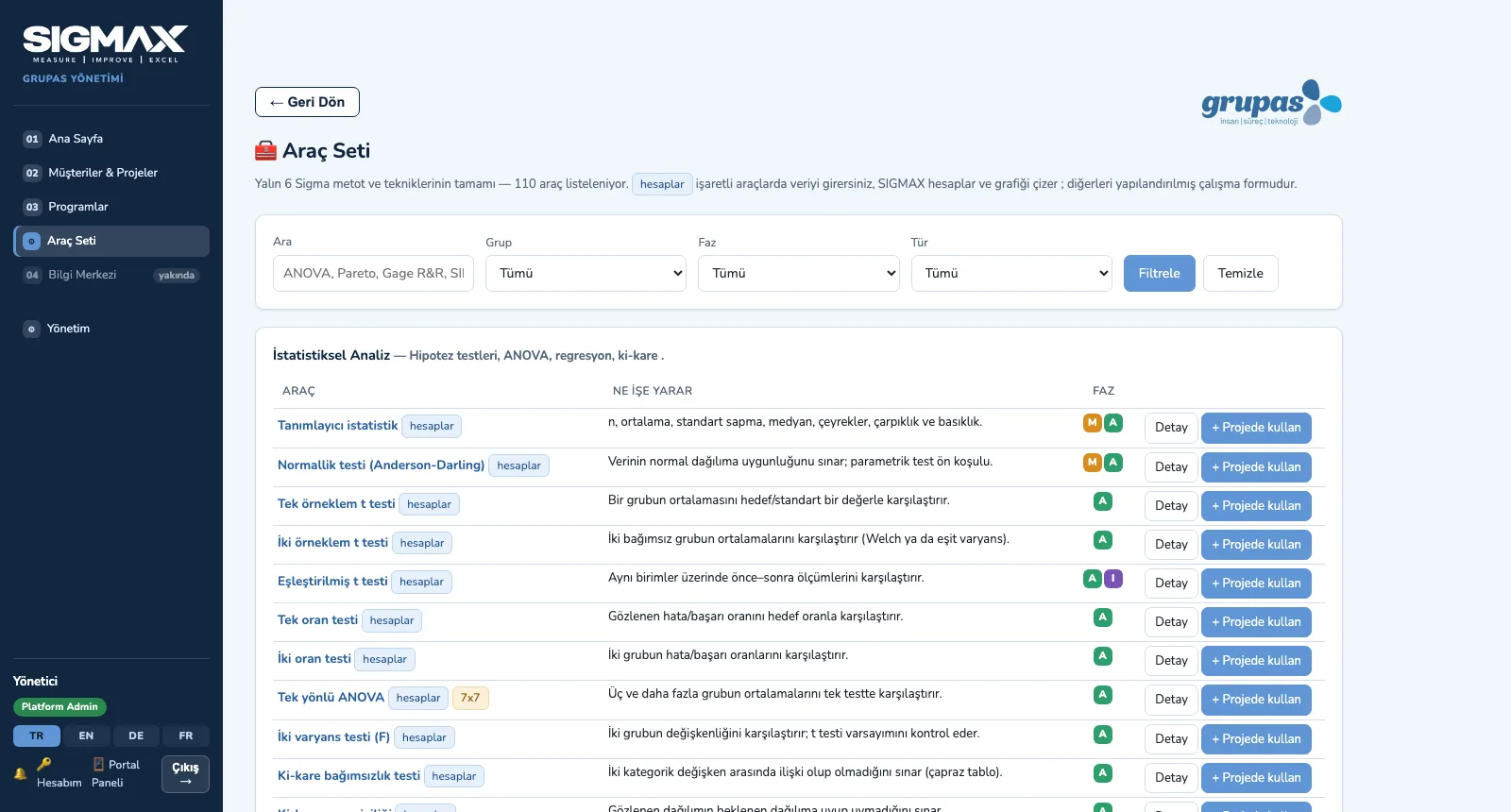
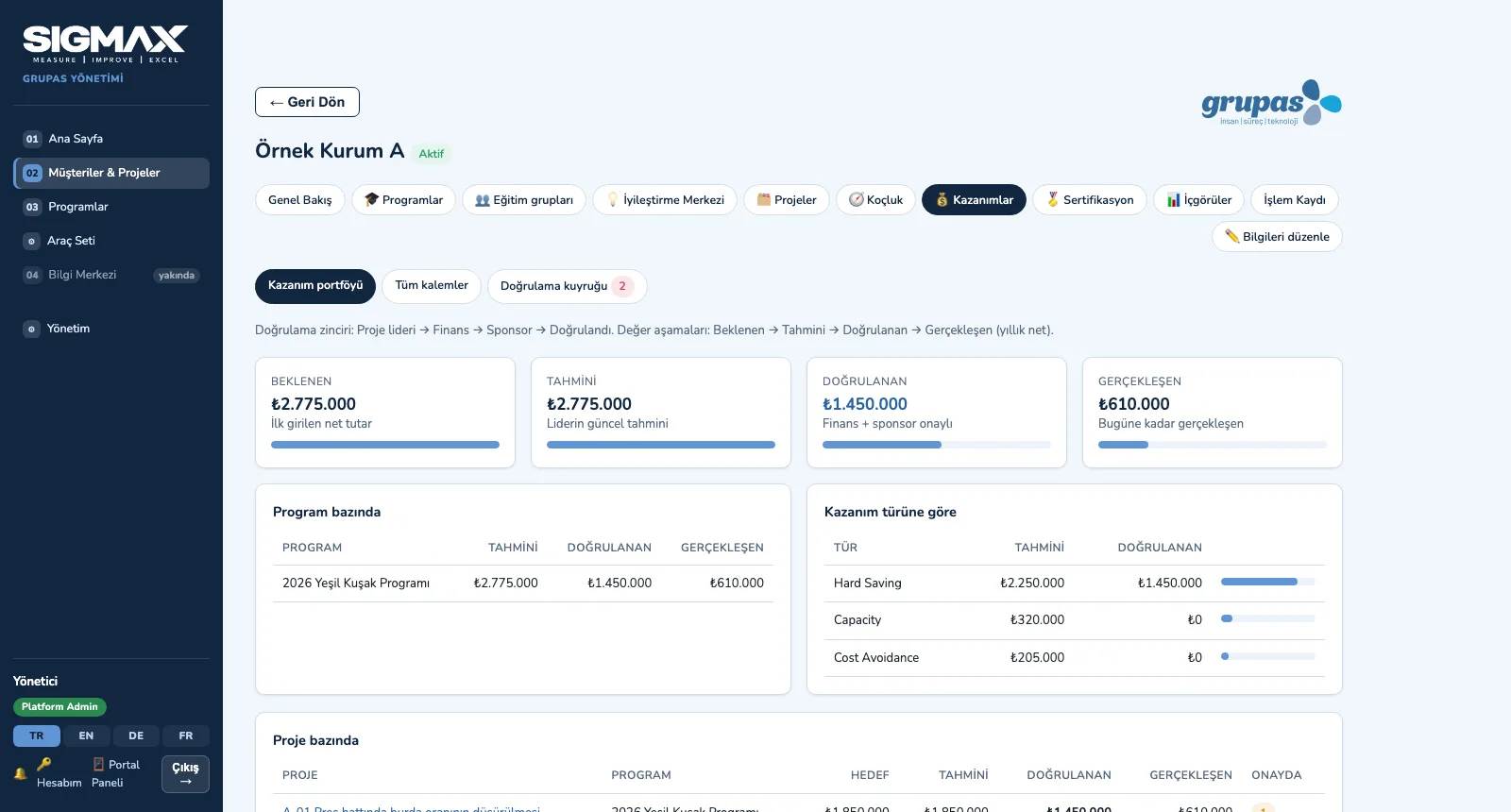
Screens are shown with sample data from the Turkish interface; the application is available in TR, EN, DE and FR.
What it brings your program
Three portals, one dataset
The consultant portal, client portal and participant workspace share the same data; each role sees only its own menu and data. The platform admin opens all four views at once with the Portal Panel.
Isolation between clients
Every request passes a client gate and a record gate; rights belong not to the person but to the User × Client × Program / Cohort / Project × Role assignment. Every change goes into the audit log.
Training linked to projects
When a session is completed, that module's assignments open and link to project deliverables; exams draw on the question bank, with a time limit and a number of attempts.
Projects approved phase by phase
DMAIC, DMADV, Kaizen, A3, Lean, Digital and Just Do It; each phase's tools are in the project room and each phase passes the client's own tollgate approval flow.
Analysis inside the project
35 of the 110 tools calculate your data: hypothesis tests, regression, Gage R&R, process capability, control charts, DOE… Result and chart are saved to the project.
The right method for the right idea
Ideas are scored on 9 criteria and placed on an Impact × Effort matrix; Just Do It, Kaizen, DMAIC or DMADV is suggested based on the root cause and the process.
Validated benefits, verifiable certificates
Benefits pass the Project leader → Finance → Sponsor chain; belt certificates are issued by rules and MBB approval and verified by QR code.
An interface in four languages
Interface, tool guidance and user guide in TR, EN, DE and FR; every user picks their language and dates and numbers follow it. Runs in the browser with nothing to install.
For everyone running a Lean Six Sigma program
Training and consulting firms
Teams delivering Lean Six Sigma training and project coaching to several clients: a separate workspace per client, consultant assignments, contract and usage tracking.
Companies running belt programs
Manufacturing and service companies: program, training, projects, benefits and certificates in the client portal, broken down by site, department and unit.
Continuous improvement teams
Teams running an operational excellence program with an idea funnel, project portfolio, tollgates and validated benefits.
- Training and consulting management, program directors, account owners
- MBBs, trainers and project coaches
- LSS coordinators, Champions, sponsors and finance validators
- Belt candidates, project teams and training participants
One package, the license that fits you
Every feature in every license. Choose your license model and we will prepare a quote for your number of users.
Frequently asked questions
What is SIGMAX?+
Who is it designed for?+
Which portals are there?+
How is each client's data kept separate?+
Which project methods does it support?+
See your program in SIGMAX
Write to us for a live walkthrough on sample data.